
How it works
PocketPO sits between your customers and SOS Inventory. It reads your catalog from SOS, shows it to your customers at their prices, and sends their orders back to SOS as Estimates.
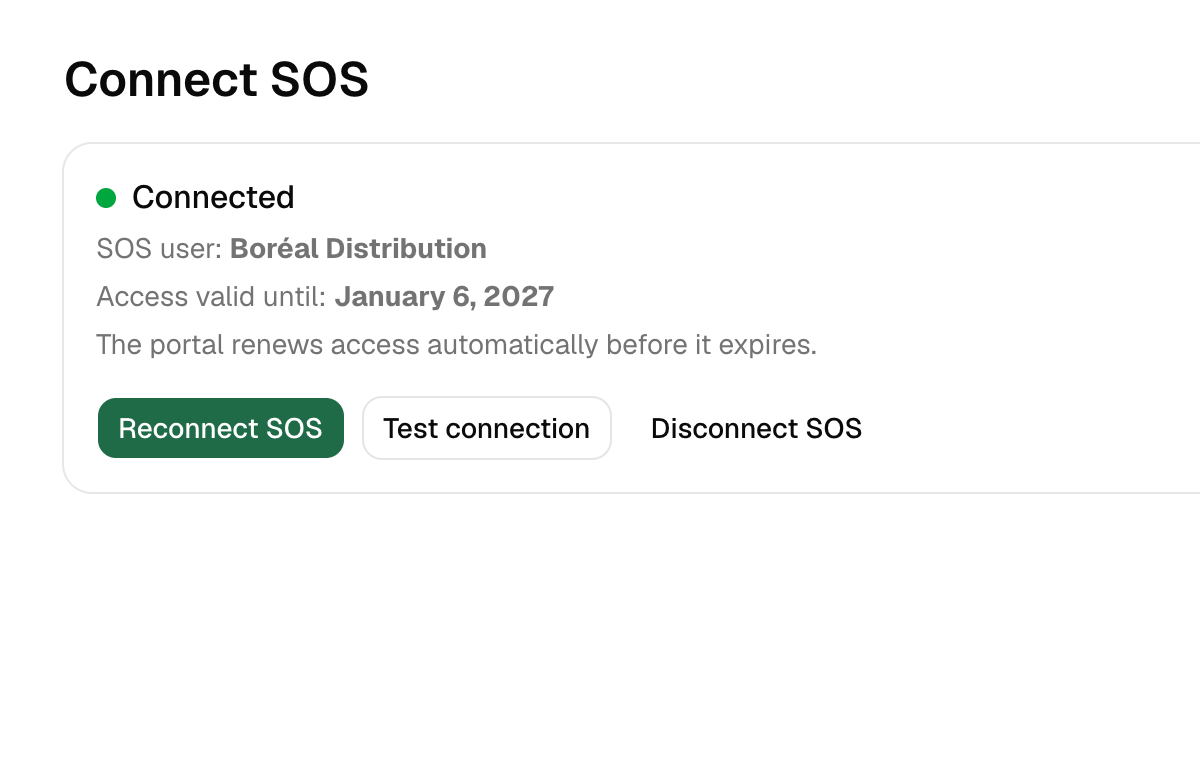
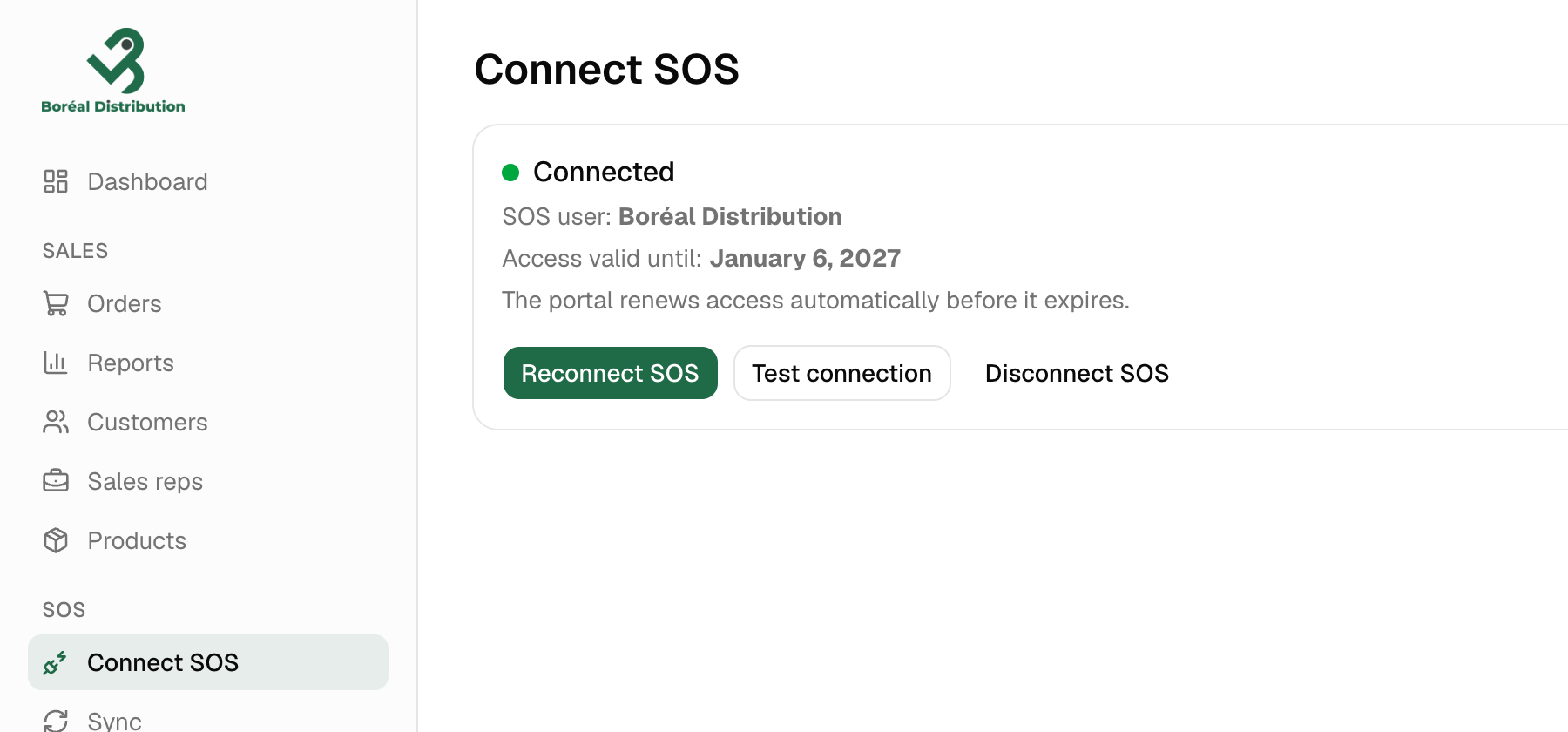
1. Connect SOS
You click Connect SOS, sign in to SOS and approve. That’s the only setup on the SOS side. PocketPO then copies your products, categories, pictures, price tiers and customers. It does this every night, and any time you click Sync now.
2. Choose what you sell online and invite your customers
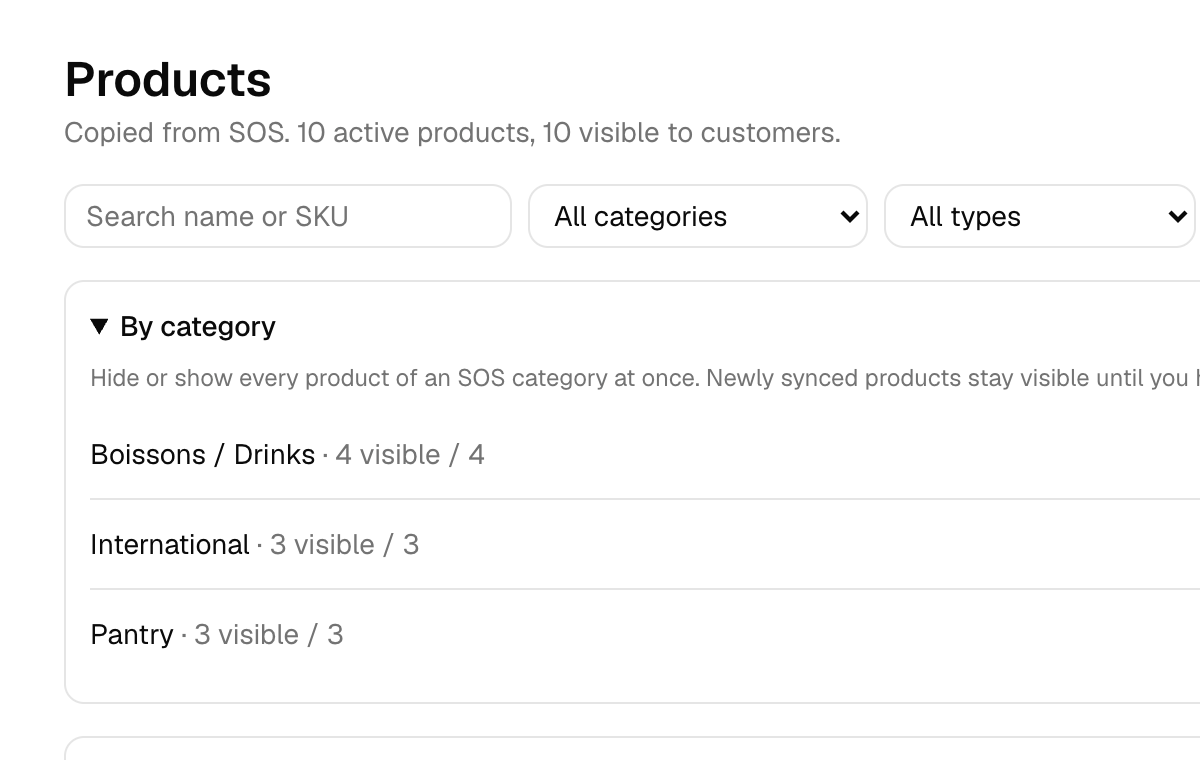
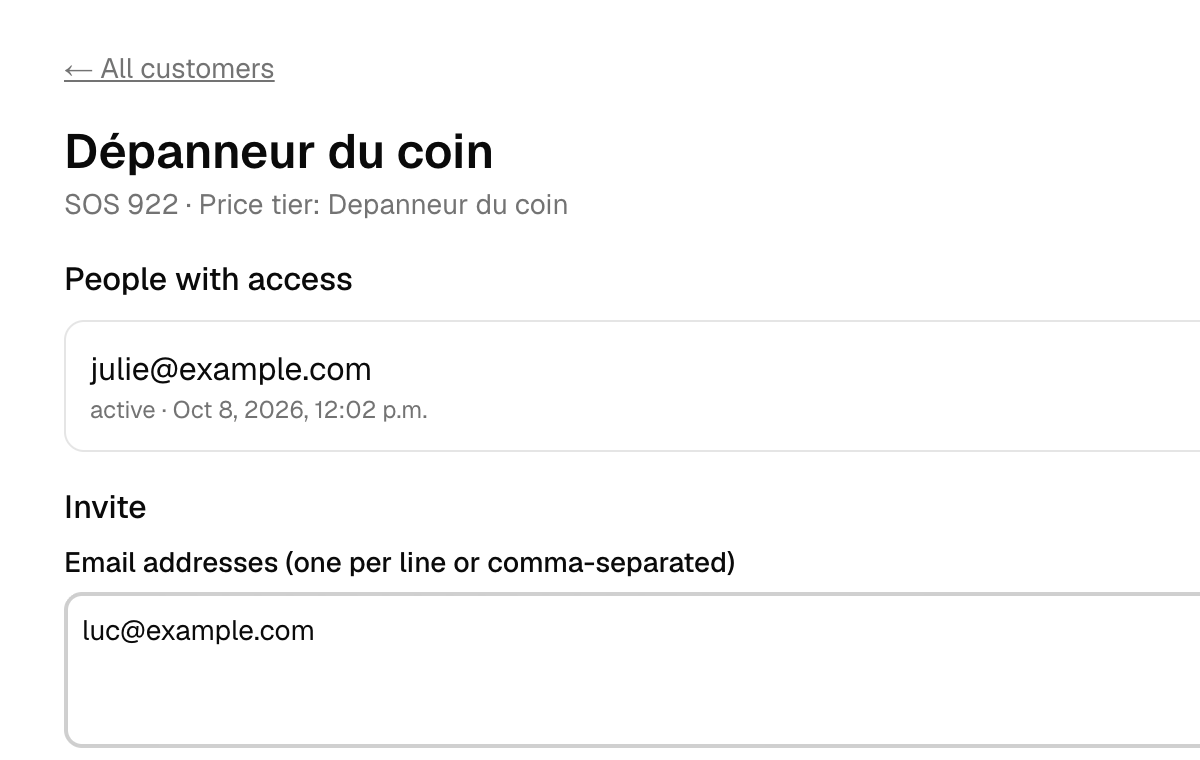
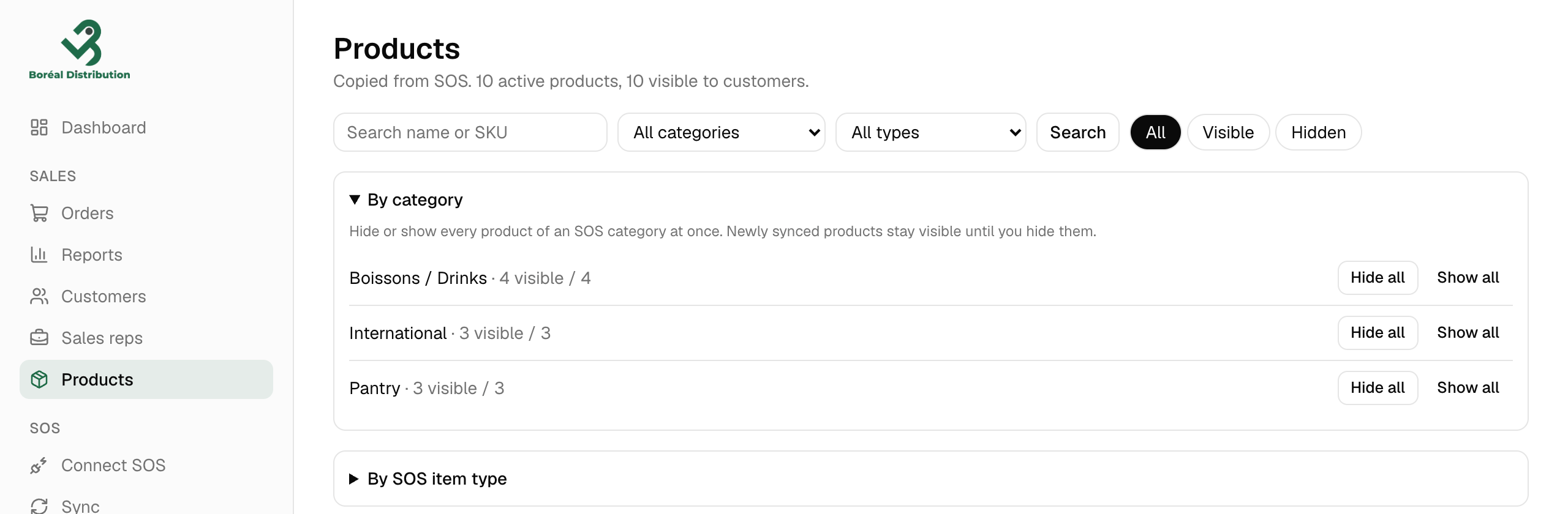
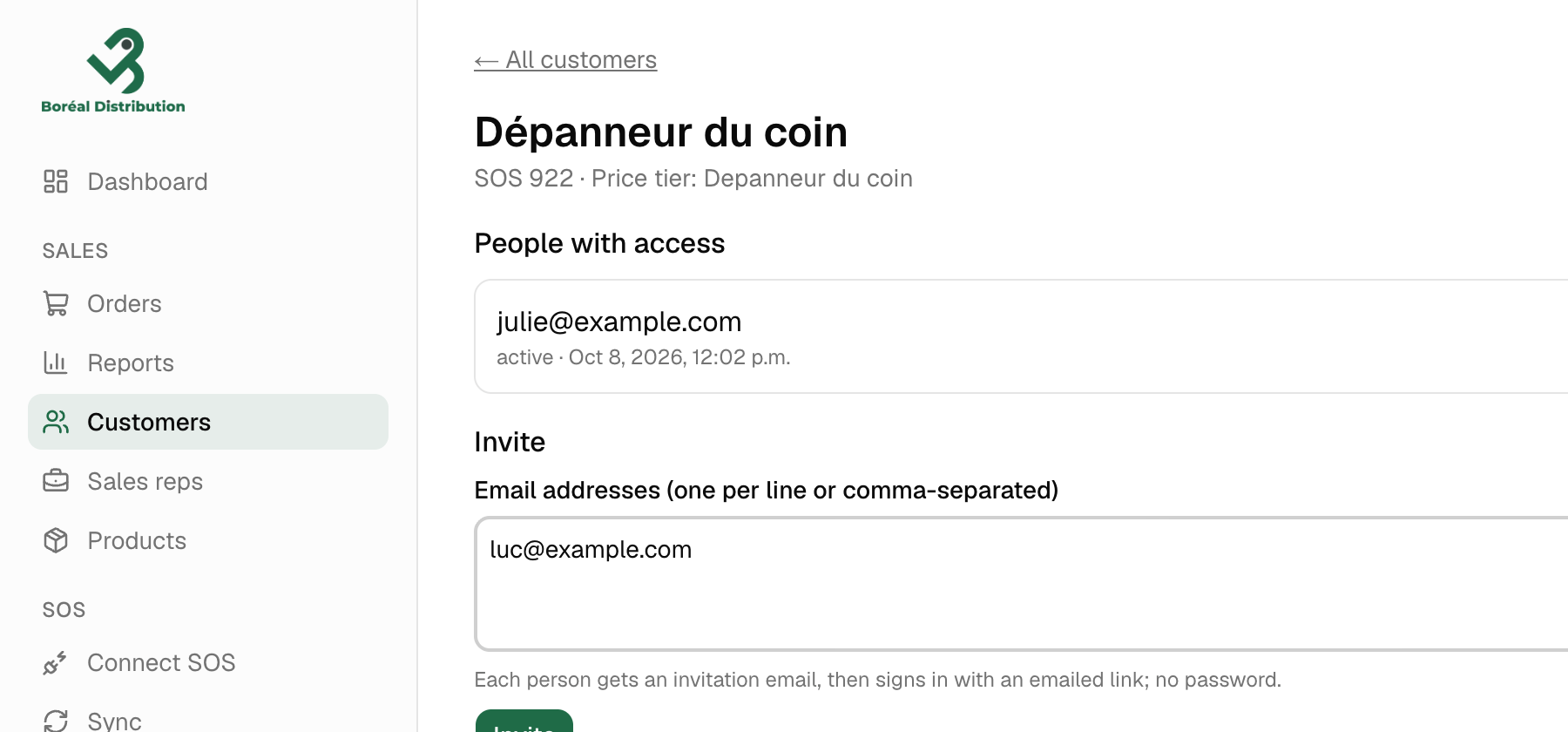
Hide what customers shouldn’t see, one product or a whole category at a time. Then open a customer and type the email addresses of the people who order. They get an invitation and sign in with a link sent by email; there is no password.
3. Your customers order
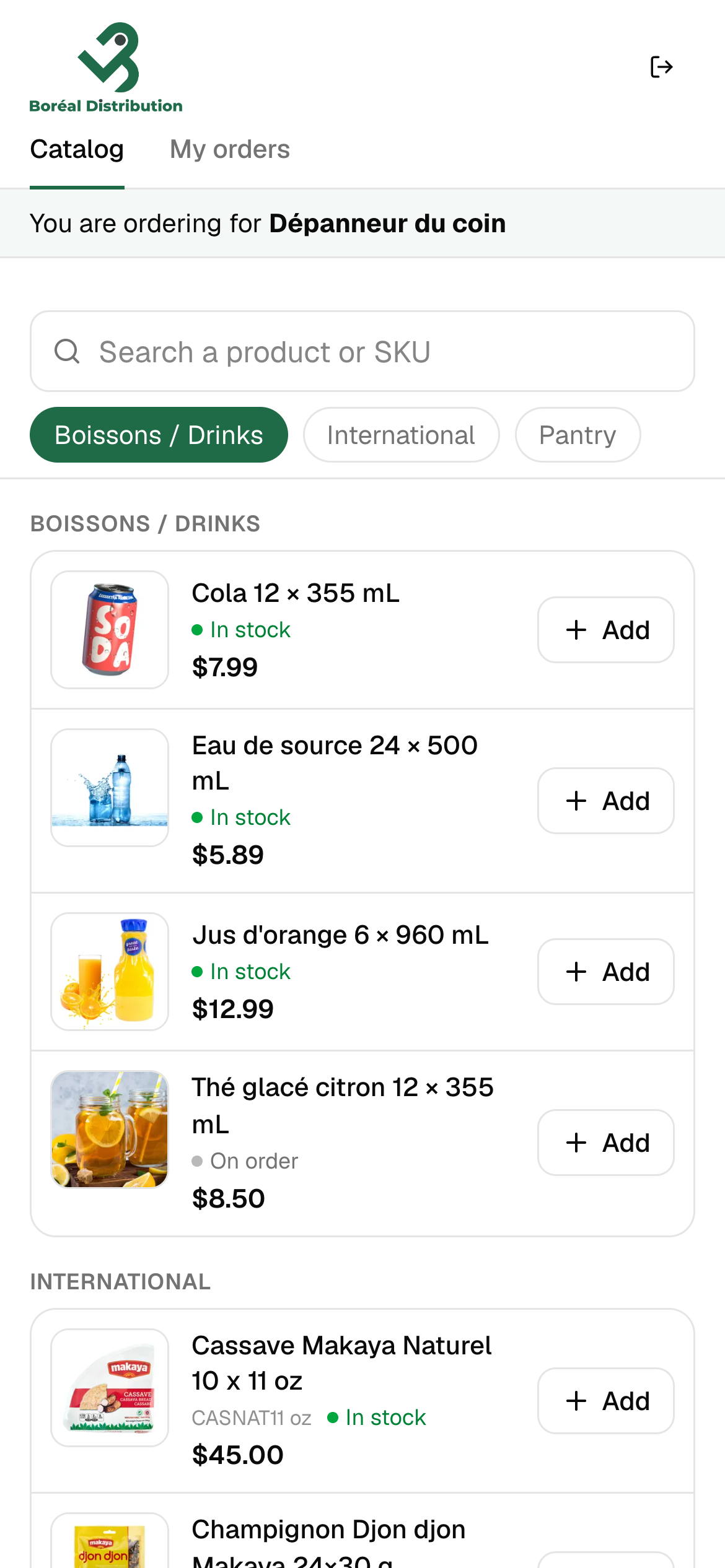
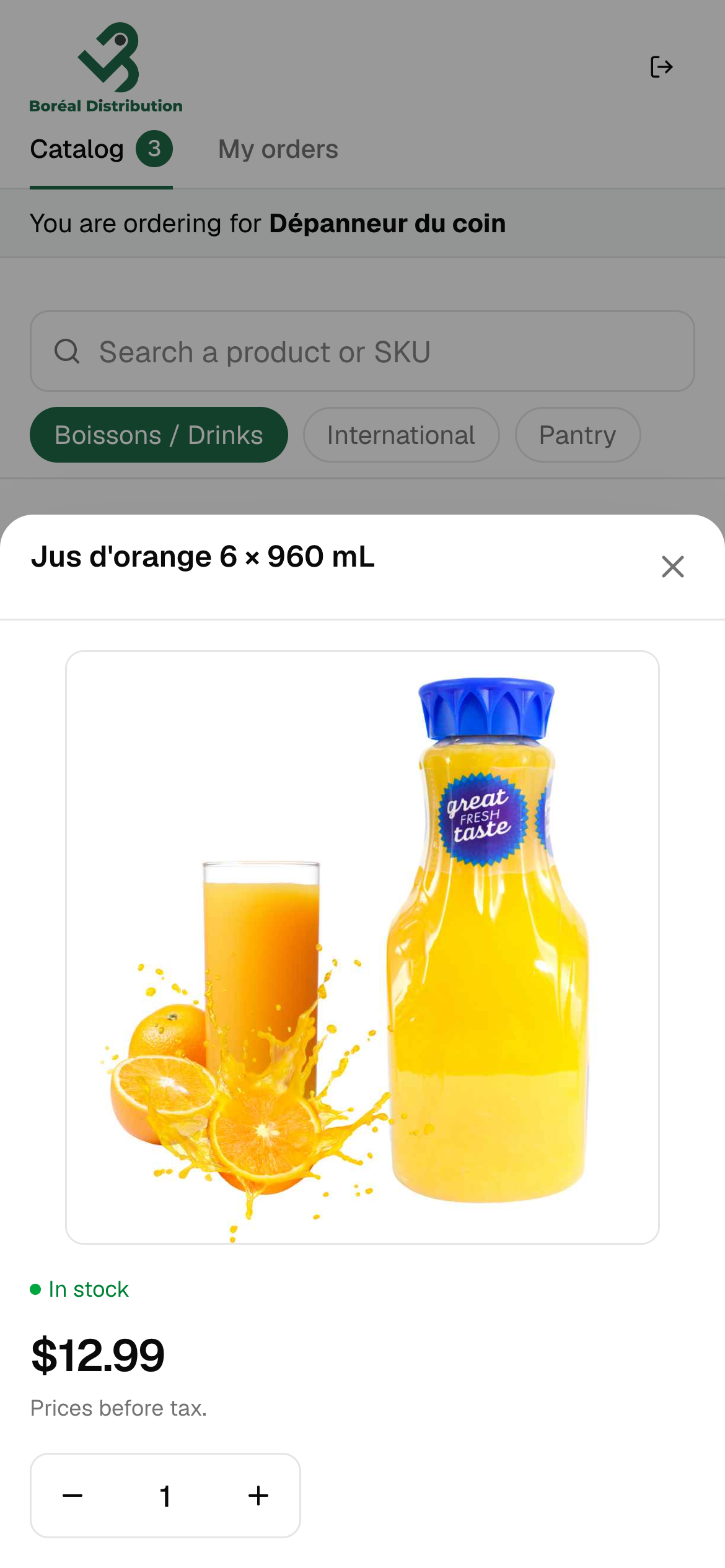
They browse by category, search by name or SKU, and add quantities. The price on screen is their price, worked out from SOS:
- the price tier assigned to the customer in SOS, with its quantity breaks;
- the tier’s percentage when a product has no specific price;
- the minimum price you set in SOS.
Kits are ordered as one product. Items without a price can’t be ordered. Prices are shown before taxes.
4. The order lands in SOS
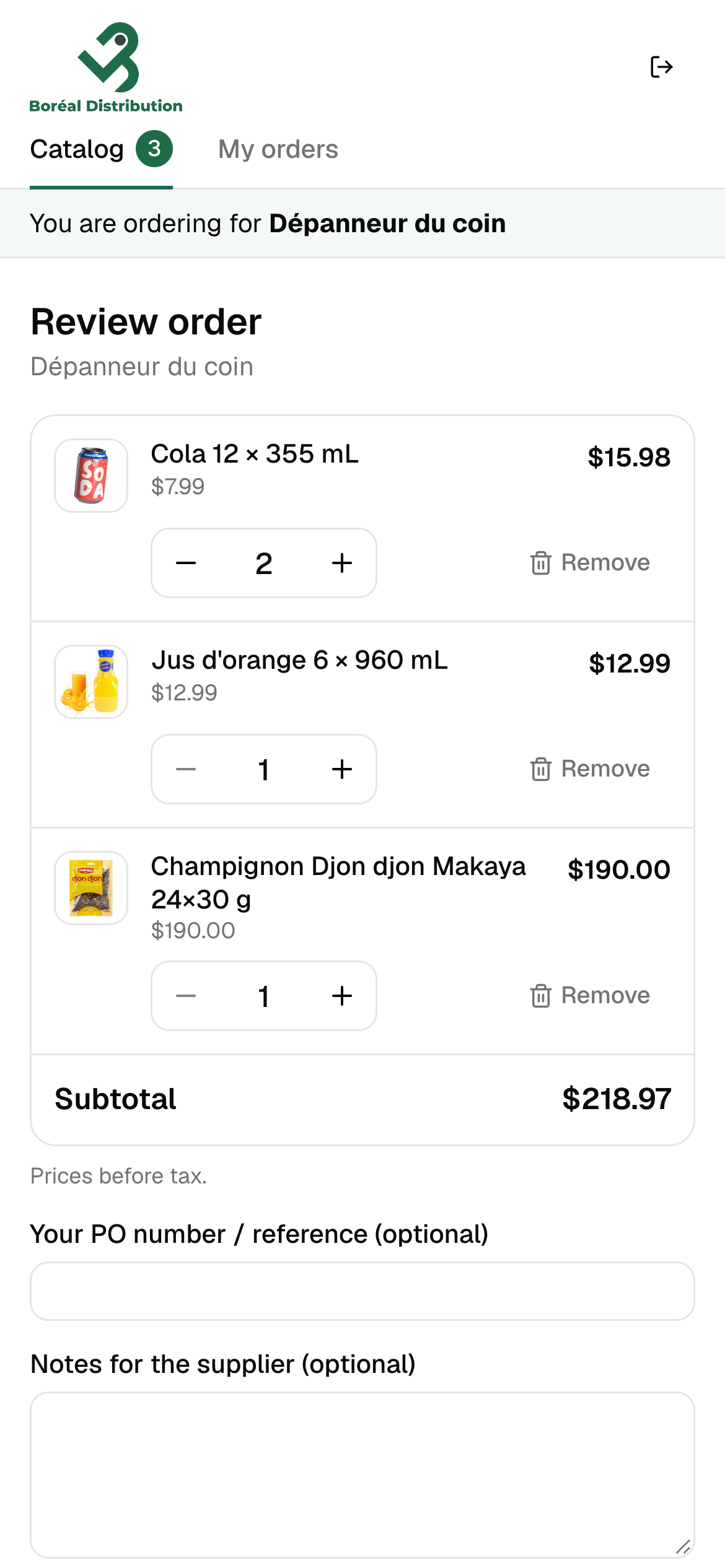
When the customer sends the order, PocketPO creates an Estimate in SOS for that customer:
- each line at the price the customer saw, never at $0;
- the customer’s PO number on the Estimate;
- their notes, and an order code (PO-000123) in the comment, so you can find it;
- kits as their component lines, or as one line — your choice in Settings.
The customer gets a confirmation email, and you get a “new order” email. If SOS can’t be reached, the order is kept and can be sent again without creating a duplicate.
5. You stay in control
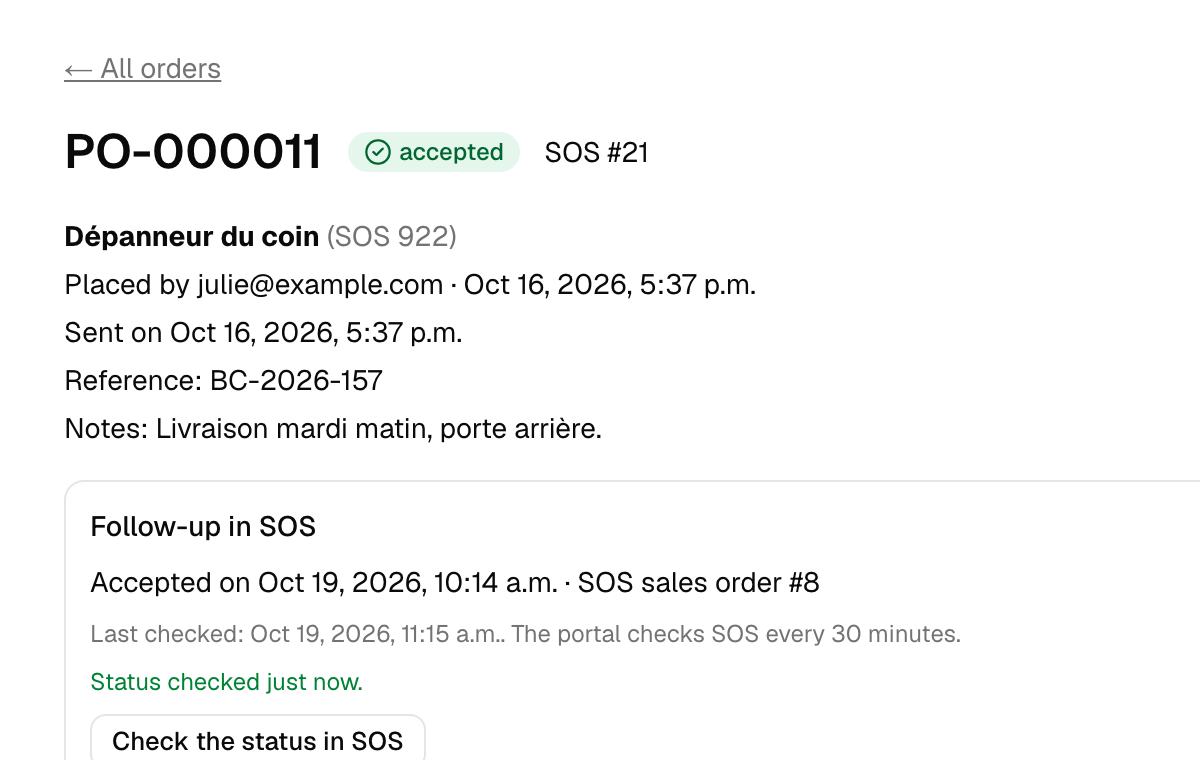
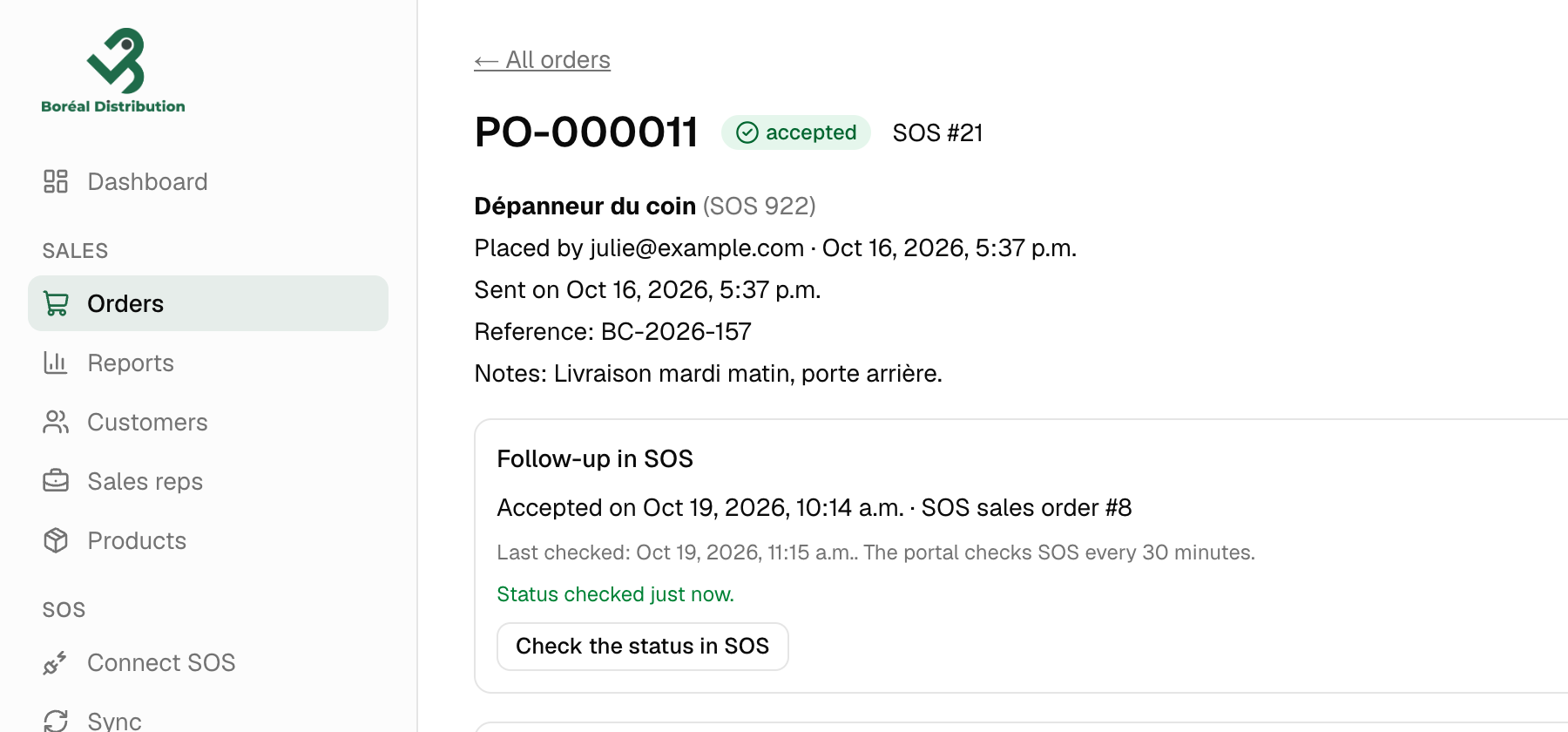
Your team reviews the Estimate in SOS, then accepts it or converts it to a sales order, as usual. PocketPO checks SOS regularly and shows the customer whether the order was accepted or refused.
What PocketPO does not do
- It doesn’t take payments or create invoices.
- It doesn’t connect to QuickBooks.
- It doesn’t reserve stock. It shows “In stock” or “On order”, and your team confirms availability when processing the order.
- It doesn’t change your products, prices or customers in SOS. It only reads them, and creates Estimates.
See PocketPO with your own catalog.
In a 20-minute demo, we show you the portal from both sides: your customer ordering, and the Estimate arriving in SOS. Connect your SOS to a demo portal before the call — two clicks in SOS, no password shared — and we show it with your own products and prices.